How to keep your money safe with AI hacks and cyberattacks on the rise
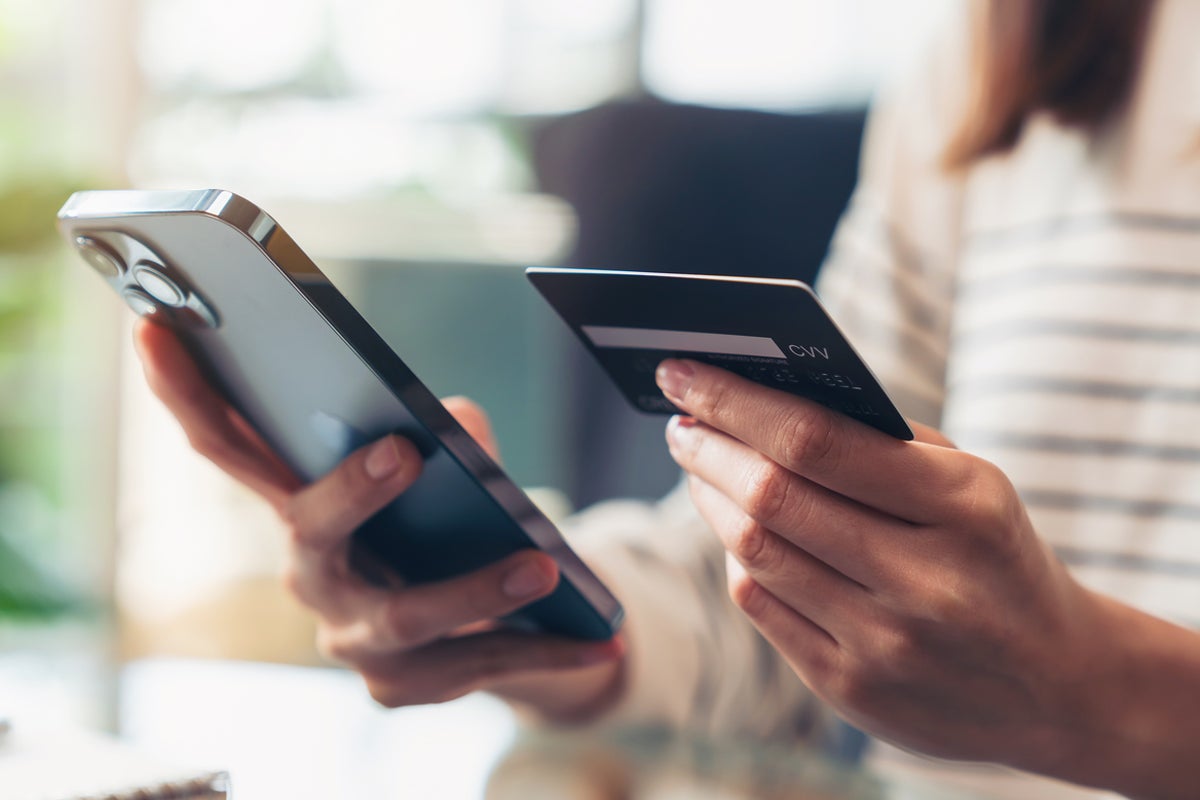
Cyberattacks are becoming more frequency and sophisticated, with artificial intelligence helping to identify security vulnerabilities in unprecedented volumes.
The overnight $6bn hack on Binance, one of the world’s biggest cryptocurrency exchanges, is a case in point - and it’s no different when it comes to more traditional forms of wealth.
We all know the importance of digital security when it comes to our money, but most of us are guilty of being a little careless at times: reusing passwords, skipping software updates or sharing personal information online.
To protect your finances from a wave of new threats, now is the time to remedy that. Here are some important steps to take.
Update passwords and activate 2FA
All passwords and passcodes – but especially those for your banking and finance apps – should be unique. If you’ve reused a password on several different sites, you’ve multiplied the chances of it being exposed in a data breach.
Random combinations of letters, numbers, and symbols work better than password that include personal information, like memorable dates. Since these aren’t always as easy to keep at the forefront of your own mind, you should use a reputable password manager to store them.
Apart from your password manager, never enter your banking username or password on another website or app. Don’t, for example, share them with an AI assistant to keep track of them or to manage transactions for you.
If your password is ever exposed, two-factor authentication (2FA) or multi-factor authentication (MFA) gives an extra layer of protection.
It’s essential for financial transactions and sensible wherever it’s available. Using an authenticator app is safer than receiving codes by SMS.

Invest at least £100 in Stocks or ETFs of your choice. Get fractional shares worth £50!
Terms and conditions apply.
Go to websiteADVERTISEMENT
Invest at least £100 in Stocks or ETFs of your choice. Get fractional shares worth £50!
Terms and conditions apply.
Go to websiteADVERTISEMENT
Install software and update apps
Software update notifications often come at inconvenient times, and it’s tempting to delay, but these should be installed as soon as possible.
They provide fixes for known vulnerabilities that are already being targeted.
Browsers and apps should be updated promptly for the same reason. You can enable auto-updates to make this effortless.
However, be wary of “updates” prompted over email or website pop-ups - these are typically scams trying to trick you into downloading malware.
Use private networks for financial transactions
Never use public Wi-Fi for online banking or making payments, as it’s easy for criminals to intercept the data. If it’s unavoidable, use a virtual private network (VPN) for protection.
Even private networks have weaknesses. These days, many households have multiple smart devices connected to their home Wi-Fi network, such as speakers, security cameras, and smart thermostats.
Devices like these often have simple passwords and don’t get regular software updates. If they’re accessed by the wrong people, they can be used to reach other devices, like your laptop, through the shared network.
So, disconnect any devices you’re not using. You can also create a second, separate wireless network on your router, just for these devices.
Treat all financial communications as suspicious
Assume any call, text, or email you receive from your bank could be a scam until confirmed otherwise. With some banks, you can use their app to check whether an incoming call is genuine.
Banks won’t ask you for your full debit or credit card PIN, your online banking password, or a one-time password (OTP) verbally or over text. All of these are warning signs.
If you’re suspicious of a call, text or email, ignore it and contact your bank proactively. Be cautious even then, as you can be conned into calling the wrong number - don’t just call the number provided on the text or email you’re worried about.
To reach your bank safely and securely, dial 159. This is an automated switchboard that can route you directly to most major banks.
Create multiple ways to access your money
You may want to split your money between several institutions, so you have a range of payment options available at any time.
It’s possible that one bank could become temporarily inaccessible while another is operating as usual - like when Revolut suffered an outage recently, or when other banks like Lloyds or Santander have seen their apps stop working.
As part of the Be Ready campaign, the government also suggests having some cash always on hand, in case card payments and cash machines are broadly affected.

Monitor your accounts for unusual activity
If you’re affected by a cyberattack, you may not know unless you’re actively monitoring your accounts.
Check your bank and credit card statements for any transactions you don’t recognise. Conduct a security audit through your password manager regularly to see if any of your passwords have been exposed.
You can also keep an eye on your credit score through a free service like Experian or Equifax to spot any changes.
None of these actions are difficult or time-consuming. Protecting your finances from cyberattacks doesn’t mean becoming obsessed with security or paranoid about the level of threat. It’s mostly using common sense and sound judgement to avoid inconvenient disruptions to your everyday life.
And if it saves you money or stress in the long run, it’s an easy win to keep your finances safe.
When investing, your capital is at risk and you may get back less than invested. Past performance doesn’t guarantee future results.
KioskNews shows a cleaned-up reading view extracted from the publisher’s page — the original always lives on their site, not ours.